Kitchen display guide

Give Bennett a home that fits yours.

Bennett works on the iPhone or iPad you already have. A shared kitchen display is optional. Start now, notice where your family naturally uses Bennett, and choose a setup later.

Compare the three options
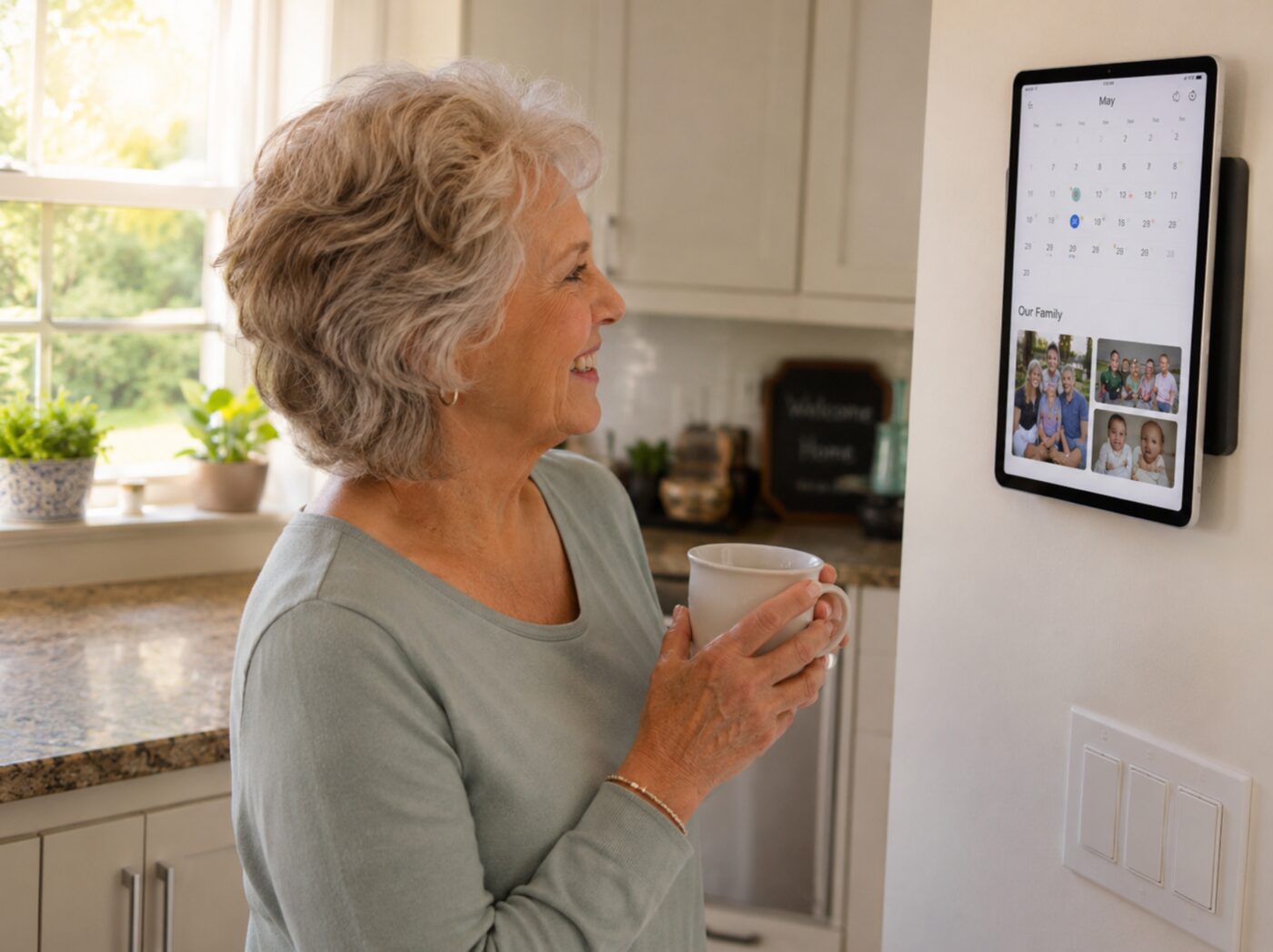
An older woman using Bennett on an iPad in a bright kitchen

Three good ways to set it up.

There is no single correct installation. Choose based on available counter space, whether you rent, and how permanent you want the display to feel.

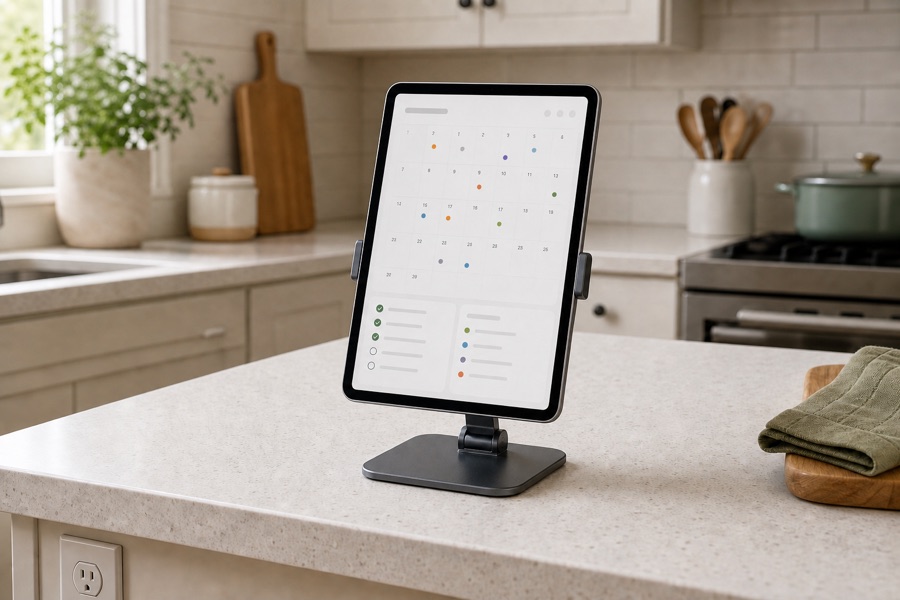
An iPad resting on an adjustable stand on a kitchen counter
Fastest

Counter or shelf

Place the iPad in a stable stand near an outlet. This is easy to move, easy to test, and often all a household needs.

Affordable pick Lamicall adjustable tablet stand

Fits 4-13 inch devices. About $13 when checked.

View on Amazon
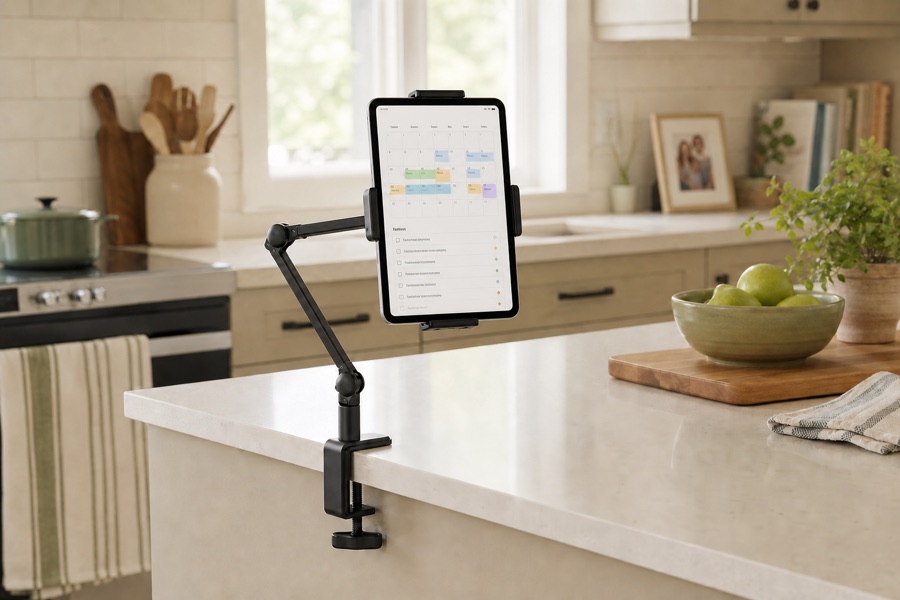
An iPad held above a kitchen counter by an articulated clamp arm
Space-saving

Clamp mount

Attach a removable tablet arm to a shelf or counter edge. It clears the work surface and does not require holes.

Affordable pick ZenCT adjustable metal clamp stand

Fits 4-11 inch devices. About $19 when checked.

View on Amazon
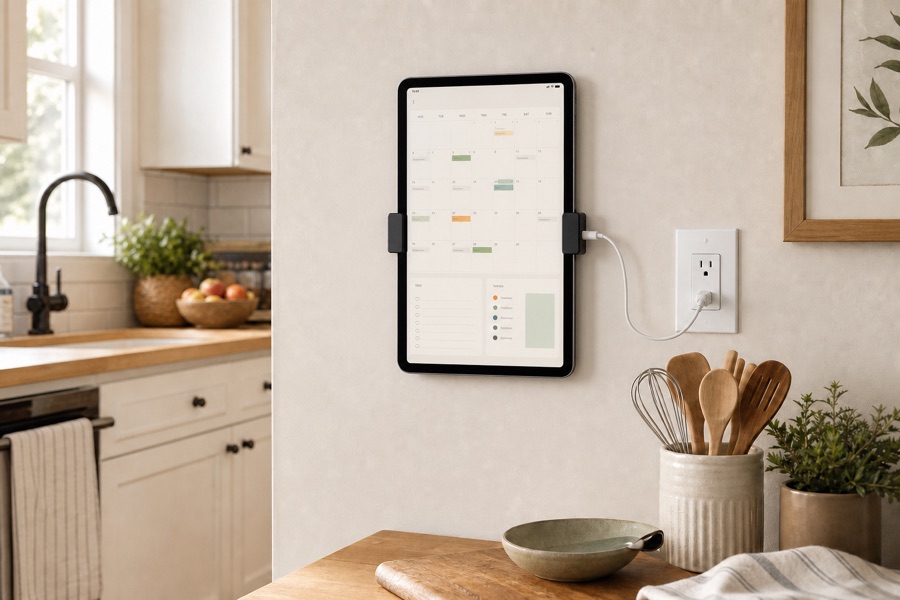
An iPad mounted on a kitchen wall beside an outlet
Most permanent

Wall mount

Use a secure tablet mount once you know the best location. Plan for power and keep the screen easy to reach.

Affordable pick Dockem Koala Wall Mount 2.0

Universal removable wall cradle. About $17 when checked.

View on Amazon

Amazon prices and availability can change. Check your iPad's dimensions and the mounting surface before ordering. These are independent recommendations; Bennett does not earn a commission.

Pick a comfortable spot.

  • Choose somewhere people already pause: near a breakfast table, coffee station, or household calendar.
  • Keep the iPad away from the sink, stove, steam, splashes, and direct heat.
  • Use a stable stand or mount and leave enough room for the charging cable.
  • Position the screen at a readable height without blocking cabinets or food-preparation space.
  • Try the location for a few days before drilling holes or committing to a permanent mount.

Finish the software setup.

Keep Bennett easy to return to

Sign in to the correct Bennett household, connect its Google Calendar, set a comfortable volume, and leave the iPad charging when practical.

For a dedicated display, Apple’s Guided Access instructions can keep the iPad focused on Bennett. Guided Access is optional, and you can turn it off with the device passcode.

Setting it up for someone else?

Do the fiddly parts together

Connect Wi-Fi, sign in, test the calendar, and practice one Talk interaction before you leave. Make sure the person using the display knows where the Talk button is and how to adjust volume.

You can still use Bennett from your phone to see the shared household. Need a hand? Email hello@trybennett.com.

Start with the device you have.

Download Bennett on iPhone or iPad. The first month is free, then Bennett Monthly is $9.99 per month and renews automatically until canceled.

Download on the App Store