See Bennett in action.
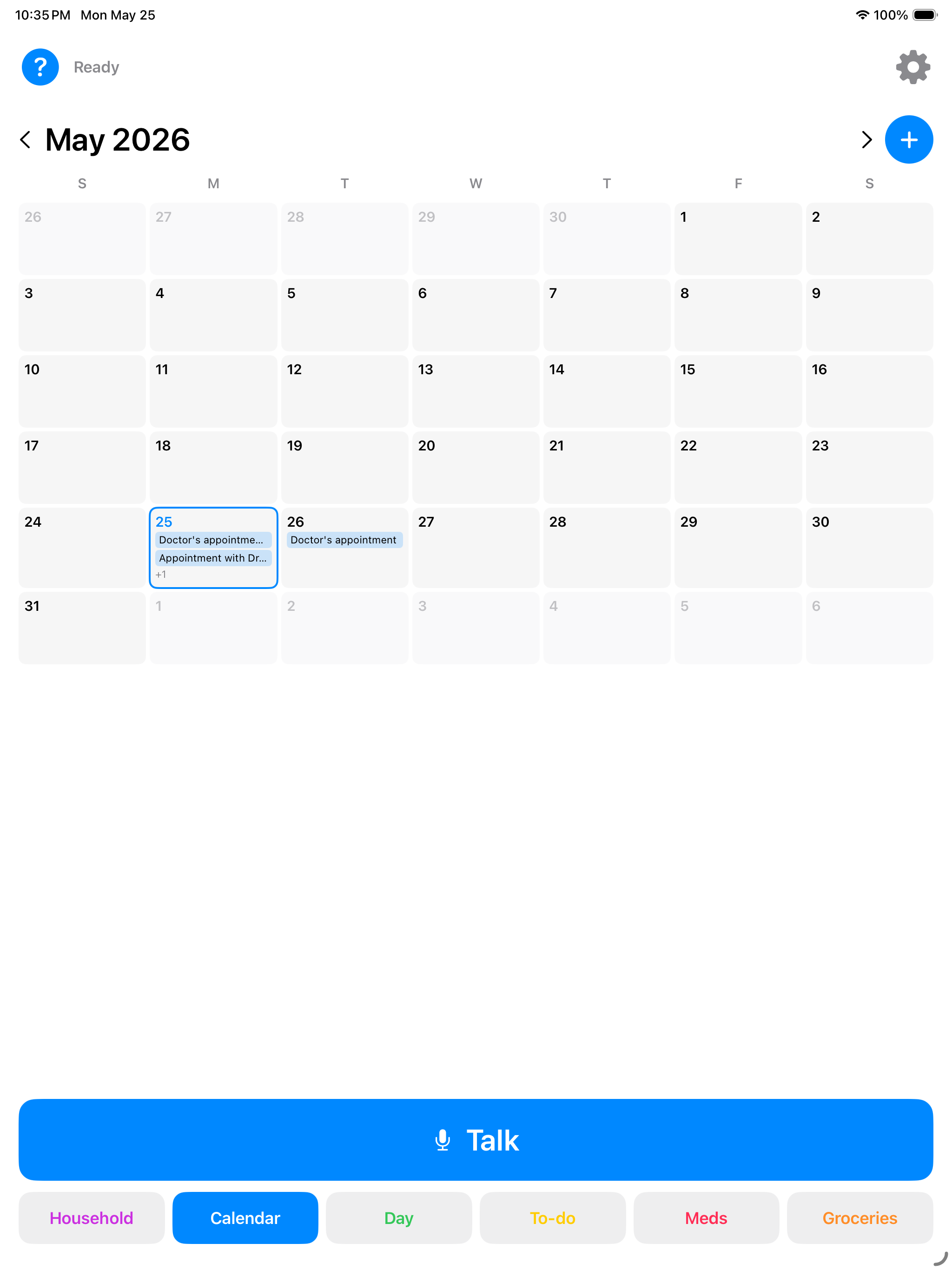
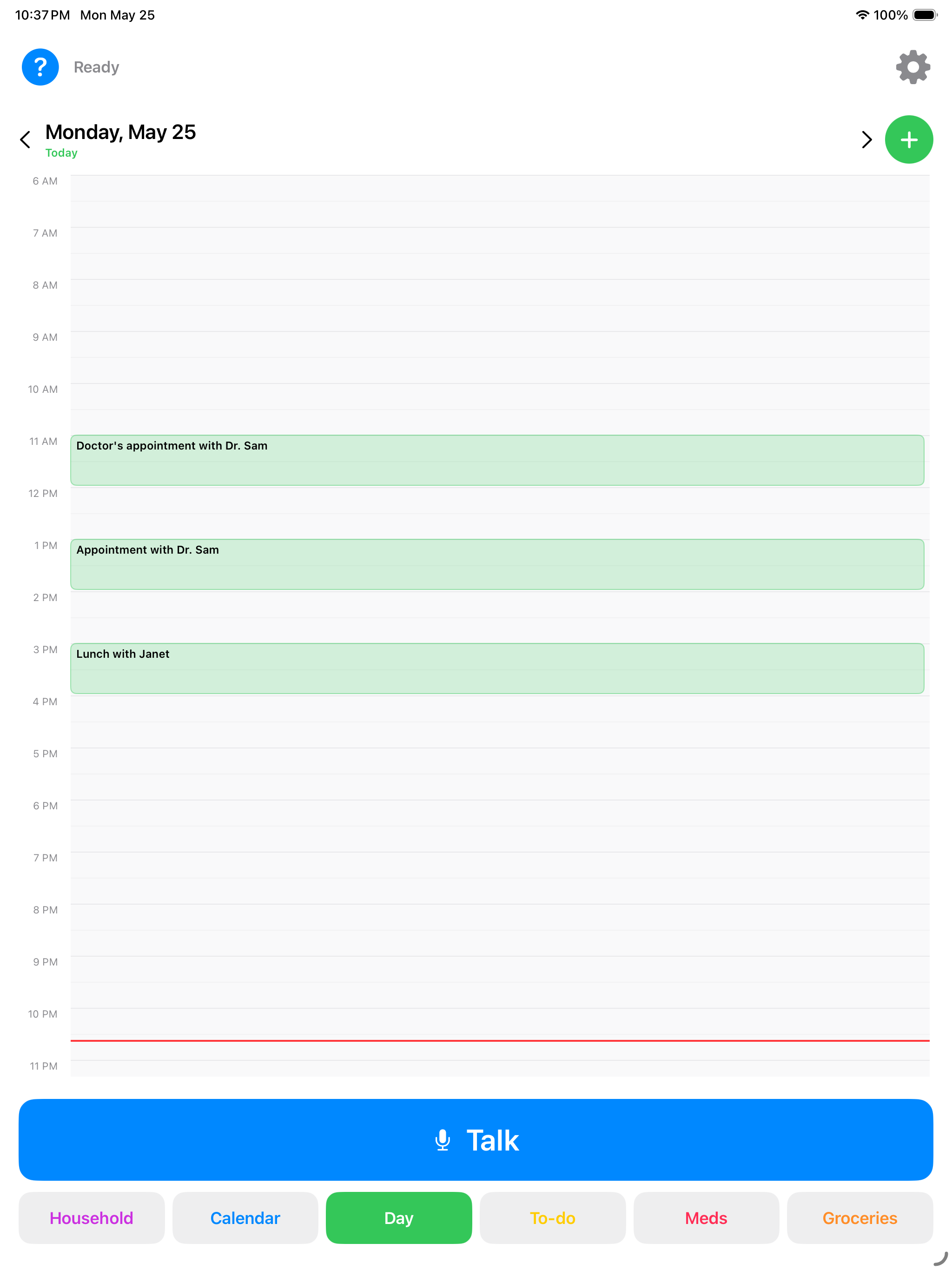
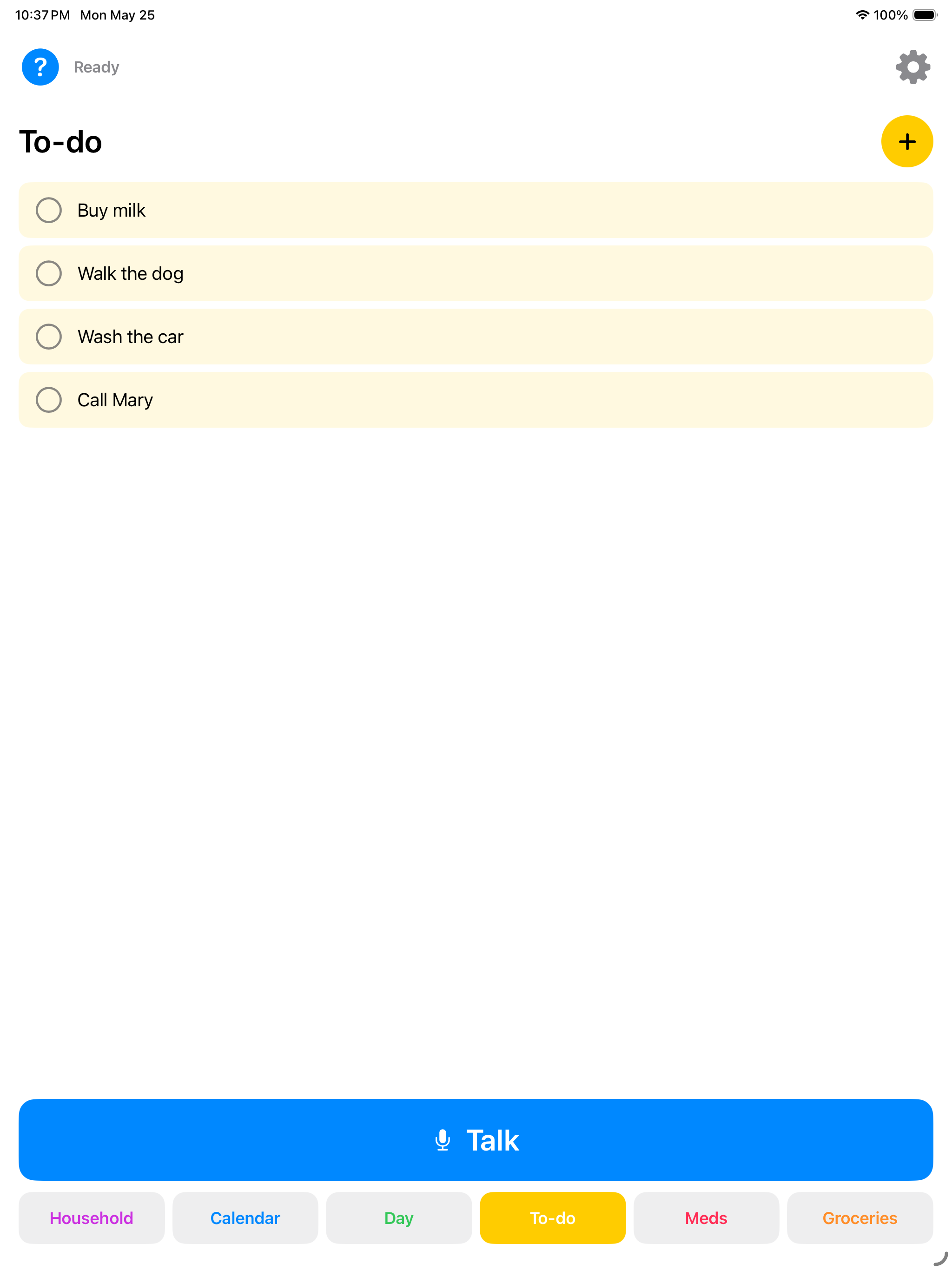
Bennett runs on iPhone or iPad. Talk to it, and your calendar, reminders, and lists show up large and clear. A dedicated kitchen display is optional, and easy to add later.
How it works.
-
1
Start on the device you have.
Download Bennett on a compatible iPhone or iPad. You do not need to mount anything before you begin.
-
2
Give it a shared home when ready.
Use a counter stand, clamp, or wall mount in the kitchen. Pick what fits the room and your family's routine.
-
3
Just say "Hey Bennett."
Day to day, just talk or tap — and everything comes back as big, clearly readable text on screen.
A typical exchange.
No new app to learn.
No tiny buttons. No confusing menus. No trying to remember where something went.
Bennett responds through ordinary conversation on the device you have, with an optional shared display in the kitchen.
- "What's on the calendar today?"
- "Remind me to water the tomatoes."
- "Add lunch with Susan on Thursday."
- "Did I already take my medication?"
See it from your phone.
Adult children get the shared calendar, to-dos, and household dashboard right on their phone — so you know things are handled without another check-in call.
Use the device you already have.
No $600 robot. No complicated setup. Start on a compatible iPhone or iPad your family already owns.
Free for one month.
Then $9.99 per month. Bennett Monthly renews automatically until canceled.
Download on the App StorePrivate by design.
What happens in the kitchen stays in the kitchen.
Conversations are encrypted. Your family's data is never sold, and nothing your parent says is used to train AI models.
Built by a multigenerational family trying to make caregiving feel calmer, simpler, and more connected.
Bennett is now on the App Store.
Download Bennett on iPhone or iPad and start with one month free. Then $9.99 per month; Bennett Monthly renews automatically until canceled.
Download on the App Store